![Jirav-no-circle-two-color.png]](https://help.jirav.com/hs-fs/hubfs/Jirav-no-circle-two-color.png?height=40&name=Jirav-no-circle-two-color.png)
February 2026
Version 26.02
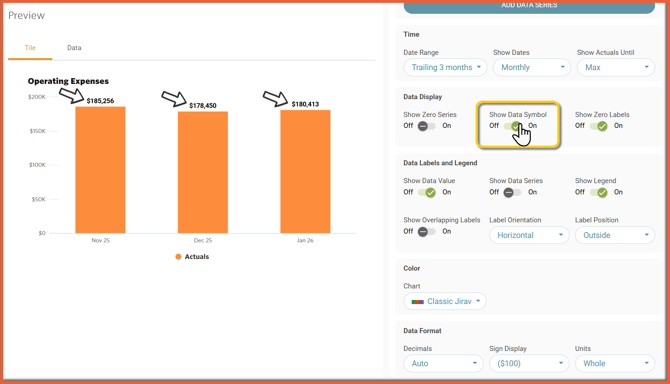
Include $ or % on Data Labels in Tiles
- Toggle On/Off the Data Symbol to show whether the numbers are Currency ($) or a Percentage (%)
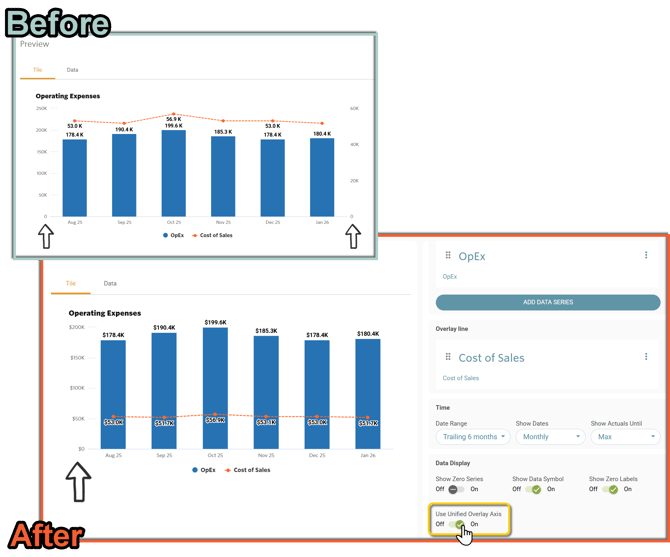
Match Overlay Line Axis With Left Axis on Bar Tiles
- Toggle on a “Unified Overlay Axis” which will change the tile to use one Y-axis
Improve Report Naming Conventions & Reports First Displayed
- We are renaming certain areas within Jirav to use more commonly recognized terms
- Additionally, when a new Jirav Account is created, the first package displayed will now be the first package instead of the Default Reports. Subsequent visits to the Report page will continue to default to the last viewed Package
|
Before |
After |
|
Template |
Package |
|
Element, Section |
Report |
|
Report Settings |
Package Settings |
|
Default Reports |
System Reports |
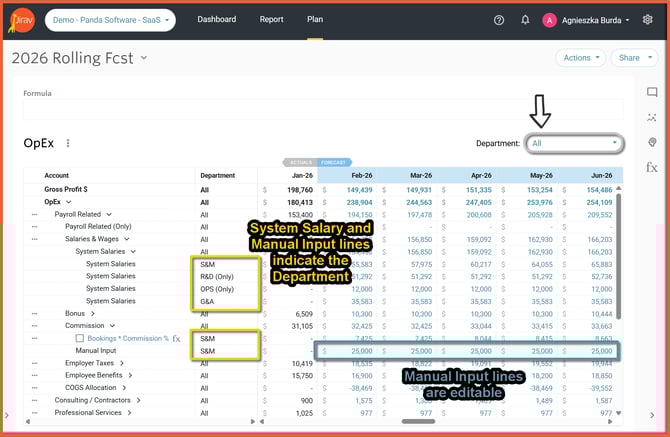
Drill down to Department details & edit Manual Inputs from aggregated Department level
- The System Salary and Manual Input lines now indicate which Department they are derived from when at a Parent-level Department
- Manual Input lines are editable from the Parent-level Department
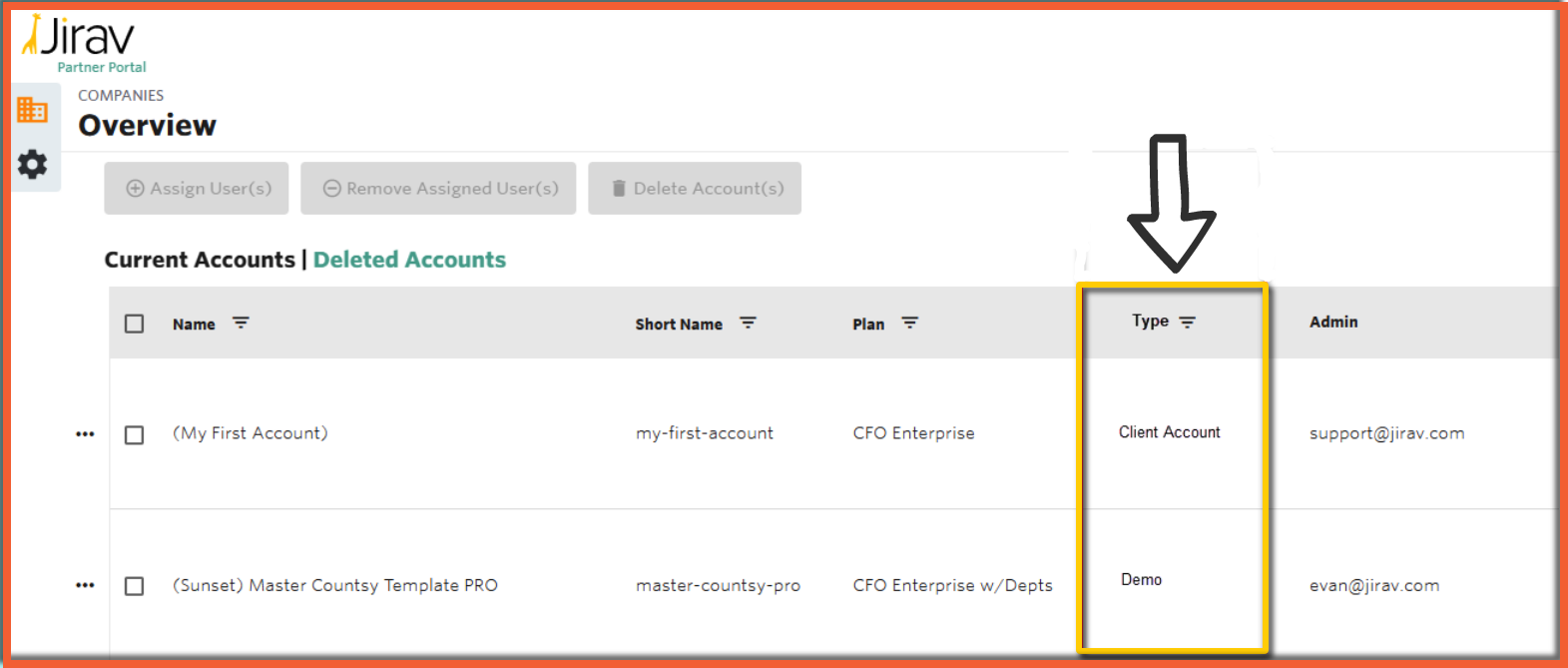
Ability to Distinguish Billable vs Non-Billable Accounts in Partner Portal
- Account designations can now be defined in the Admin app on a limited case basis (the default is to assume newly created accounts are billable).
- The Jirav Account designation (Client Account, Firm Account, or Internal) will be displayed as read-only in the partner portal and passed on to HubSpot for billing purposes.